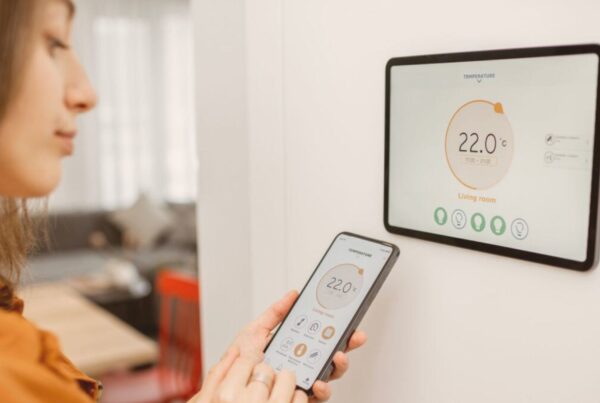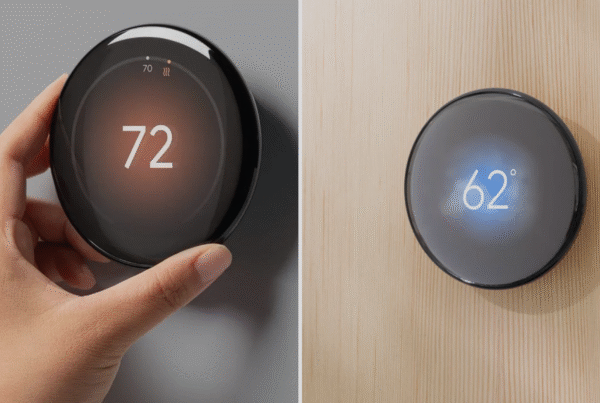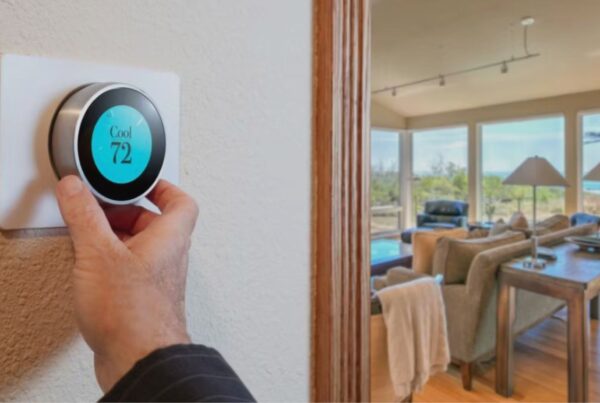
A smart thermostat becomes significantly more useful when it is connected to the rest of your smart home. Instead of opening the Google Home app every time you want to adjust the temperature, you can say “Hey Google, set the living room to 23 degrees” from any speaker in the house. Instead of manually switching to Eco mode when you leave for work, a departure routine can lock the door, turn off the lights, and raise the thermostat temperature to 28 degrees in a single command.
This guide covers the practical steps for integrating a smart thermostat into your UAE smart home ecosystem. It is not a list of features. It is a walkthrough of what actually works, what requires additional hardware, and what limitations you should know about before setting up automations in a UAE home where cooling is the primary concern.
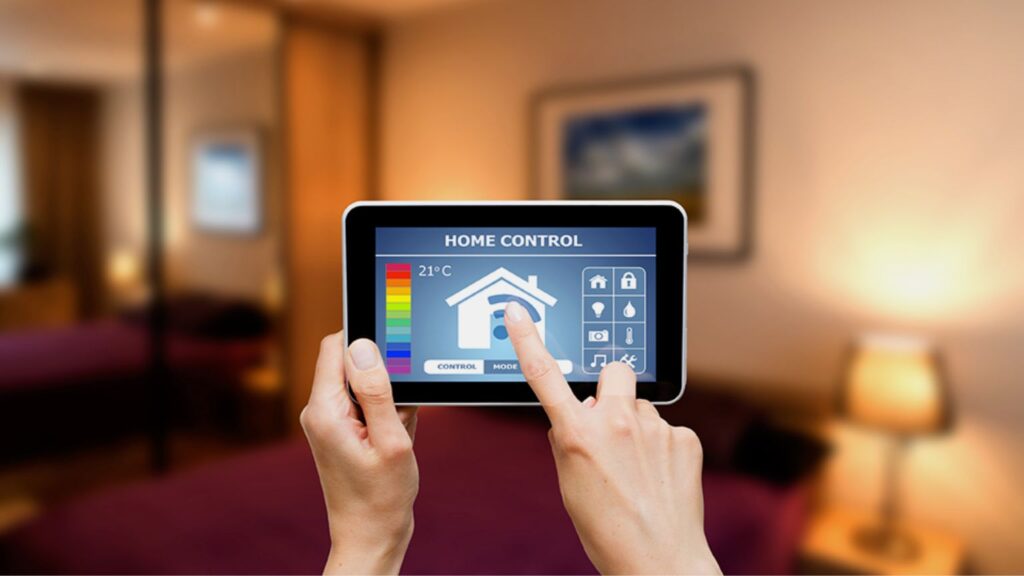
How Smart Thermostats Connect to Voice Assistants
Every smart thermostat sold in the UAE connects to at least one major voice assistant platform. The connection happens over your home Wi-Fi network, not through a direct wireless link between the thermostat and the speaker. The thermostat connects to the manufacturer’s cloud server (Google’s servers for Nest, Ecobee’s servers for Ecobee), and the voice assistant sends commands through that same cloud. Both devices need a working internet connection for voice control to function.
Here is the compatibility matrix for the thermostats we supply in the UAE:
| Thermostat | Google Home | Amazon Alexa | Apple HomeKit |
|---|---|---|---|
| Nest Thermostat | Full integration + routines | Voice control | Supported |
| Nest Learning 4th Gen | Full integration + routines | Voice control | Supported |
| Nest Learning 3rd Gen | Basic integration | Voice control | Not supported |
| Ecobee3 Lite | Voice control | Voice control | Supported |
| Ecobee Premium | Voice control | Built-in Alexa + external | Supported |
“Full integration + routines” means the thermostat can participate in multi-step automations (like a “Good Night” routine). “Voice control” means you can adjust temperature and check status by voice, but the thermostat cannot be part of complex automated sequences on that platform.
Google Home Routines with a Nest Thermostat
The deepest smart home integration for a thermostat in the UAE comes from pairing a Nest Thermostat with Google Home. Because both are Google products, the Nest has access to Google Home routines, which are multi-step automations triggered by a voice command, a time of day, or your phone’s location.
Here are the routines we configure most frequently during our UAE installations:
“Good Morning” routine. Triggered when you say “Good morning” to any Google Home speaker or Nest Hub display. Actions: set the thermostat to your daytime comfort temperature (typically 23 to 24 degrees), turn on the living room lights, read the weather forecast and traffic to your workplace.
“Leaving Home” routine. Triggered by your phone’s location when you leave a defined area around your home, or by a voice command like “Hey Google, I’m leaving.” Actions: set the thermostat to Eco temperature (28 degrees), turn off all lights, arm the security system if connected. This routine alone saves AED 30 to 80 per month during summer by preventing the AC from cooling an empty home to 22 degrees all day.
“I’m Home” routine. Triggered when your phone enters the defined home area. Actions: set the thermostat back to comfort temperature, turn on entryway lights. The AC starts cooling before you walk through the door, so the home is comfortable by the time you sit down.
“Good Night” routine. Triggered by voice or at a scheduled time (for example, 11 PM). Actions: set the thermostat to sleep temperature (25 to 26 degrees), turn off all lights except the hallway, lock smart locks, set your phone to Do Not Disturb.
These routines are configured in the Google Home app under the Automations tab. Our technicians set up the most common routines during installation if you have Google Home speakers or Nest Hub displays in your home.
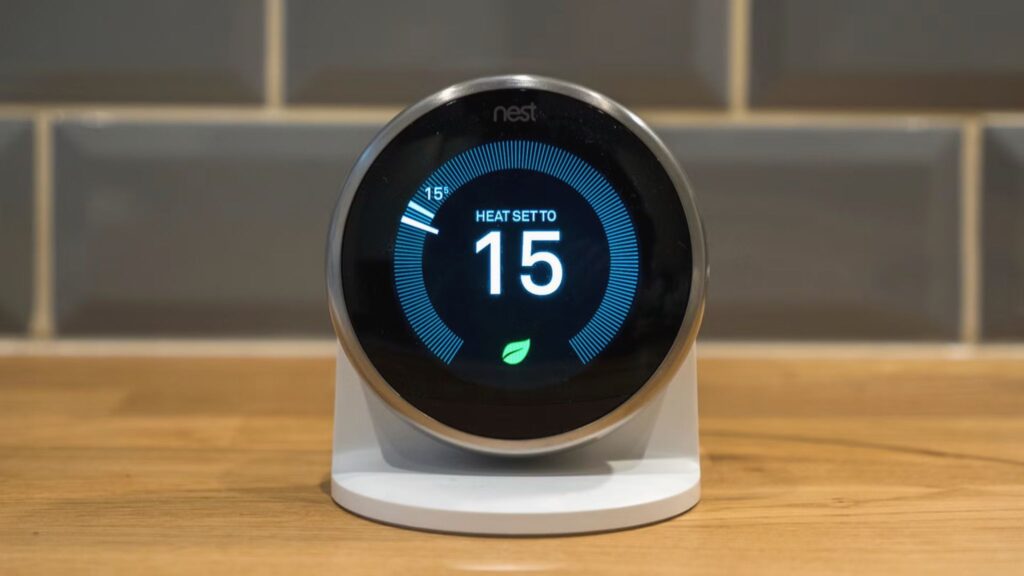
Alexa Routines with an Ecobee Thermostat
If your home runs on Amazon Alexa rather than Google Home, the Ecobee Premium is the strongest thermostat choice because it has Alexa built directly into the device. The thermostat itself functions as an Alexa speaker. You can talk to it from across the room without needing a separate Echo device.
Alexa routines work similarly to Google Home routines. You set a trigger (voice command, time of day, or device event) and define a sequence of actions. Examples for UAE homes:
- “Alexa, goodnight.” Sets the Ecobee to 25 degrees, turns off living room lights, locks the front door smart lock, and plays white noise on the bedroom Echo.
- Scheduled routine at 7 AM on weekdays. Sets the thermostat to 23 degrees, turns on bathroom lights, and reads your calendar for the day.
- “Alexa, I’m going out.” Raises the thermostat to 28 degrees, turns off all lights, and sends a notification to your phone confirming the home is in away mode.
The Ecobee3 Lite also works with Alexa routines, but you need a separate Echo speaker since it does not have a built-in microphone. For a full comparison of Nest and Ecobee integration capabilities, see our Nest vs Ecobee comparison.
Apple HomeKit Automations
For Apple ecosystem households, HomeKit offers automations triggered by time, location, or sensor events. The Nest Learning 4th Gen, standard Nest Thermostat, and all Ecobee models support HomeKit. The Nest Learning 3rd Gen does not.
HomeKit automations for UAE thermostat users typically include:
- Location-based cooling. When the last person leaves the house (tracked via iPhone), the thermostat switches to Eco mode automatically. When the first person arrives home, it switches back to comfort temperature.
- Time-based scenes. A “Bedtime” scene at 11 PM sets the thermostat to 25 degrees, dims all HomeKit-connected lights, and locks HomeKit-compatible locks.
- Siri voice control. “Hey Siri, set the thermostat to 22 degrees” works from any Apple device in the home.
HomeKit requires a home hub (Apple TV, HomePod, or iPad configured as a hub) to run automations when you are not home. Without a hub, automations only work when your iPhone is connected to the home Wi-Fi network.
Five Practical Smart Home Automations for UAE Homes
These are the five thermostat automations we configure most often during installations across Dubai and Abu Dhabi. Each one targets a specific pattern that wastes energy in UAE homes.
1. Geofenced departure and arrival. The thermostat switches to Eco mode (28 degrees) when every household member’s phone leaves the home area, and switches back to comfort (23 degrees) when the first phone returns. This works on Google Home (for Nest), Ecobee’s built-in geofencing, and HomeKit (for supported models). Based on our installations, this single automation saves AED 40 to 100 per month during summer by eliminating cooling during empty hours.
2. Sleep temperature schedule. At 11 PM, the thermostat raises to 25 or 26 degrees. Most people sleep comfortably at slightly higher temperatures under a light blanket, and the reduced cooling load during 7 to 8 hours of sleep adds up to meaningful savings. At 6 AM, the thermostat drops back to daytime comfort temperature before you wake up.
3. Guest mode override. When you have visitors staying over, a voice command like “Hey Google, activate guest mode” sets the thermostat to a fixed 22 degrees and disables Eco mode and away detection for 24 hours. This prevents the thermostat from raising the temperature when your guests are home but your phone is not.
4. Weekend vs weekday schedules. Most UAE households have different routines on Fridays and Saturdays compared to weekdays. Smart thermostats support day-specific schedules. On weekdays, the thermostat switches to Eco when you leave for work. On weekends, it maintains comfort temperature all day because someone is typically home.
5. Pre-cooling before arrival. If your commute is predictable (30 minutes from office to home), you can set a geofence around your workplace. When your phone leaves the office area, the thermostat starts cooling immediately, so the home reaches 23 degrees by the time you walk in. Without this, you arrive to a 28-degree house and wait 20 to 30 minutes for it to cool down.
For more on how these features translate to DEWA bill savings, read our guide to reducing your DEWA bill with a smart thermostat.
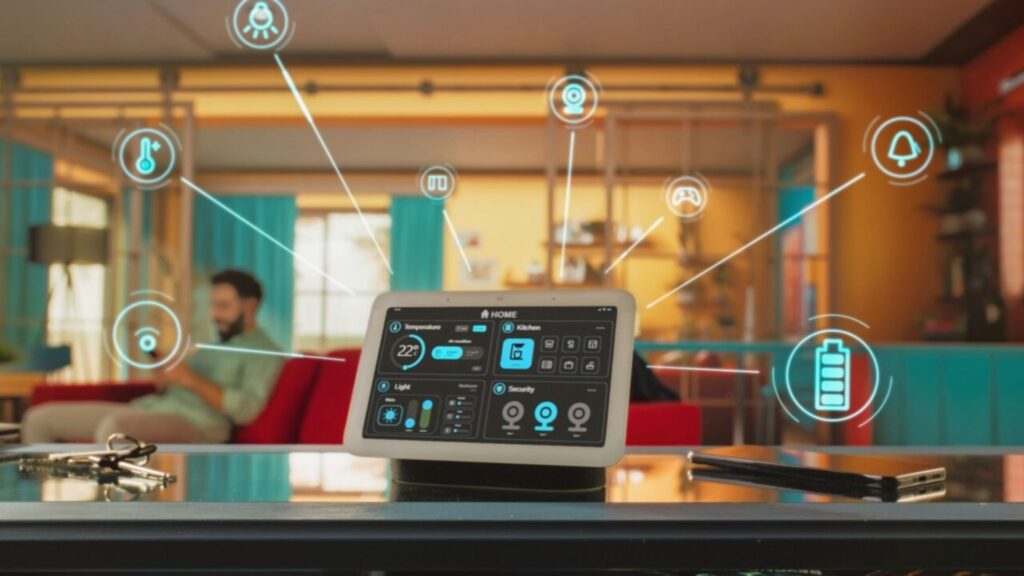
What You Need Beyond the Thermostat
A smart thermostat can function as a standalone device with just Wi-Fi and a smartphone. But to access the full range of automations described above, you need at least one additional piece of hardware:
- For Google Home routines: At least one Google Home speaker, Nest Mini, Nest Audio, or Nest Hub display. The speaker provides voice control and acts as the automation hub that ties the routine together.
- For Alexa routines: An Echo speaker (any model), or an Ecobee Premium which has Alexa built in. If you have the Ecobee3 Lite, you need a separate Echo device for voice control.
- For Apple HomeKit automations: An Apple TV (4th gen or later), HomePod, or HomePod Mini configured as a home hub. Without a hub, automations do not run when you are away from home.
- For geofencing: The smartphone of every household member must have the relevant app installed (Google Home, Ecobee, or Apple Home) with location permissions enabled. Geofencing only works if the app can track when phones enter and leave the home area.
You do not need all of these. Pick the ecosystem that matches the devices you already own. If you have Google Home speakers throughout the house, a Nest Thermostat is the natural fit. If you have Echo devices, Ecobee makes more sense. If you are an Apple household, either the Nest 4th Gen or Ecobee will work through HomeKit.
For help choosing the right thermostat based on your existing smart home setup, see our smart thermostat buyer’s guide.
Common Smart Home Integration Issues in the UAE
Based on our service calls, here are the integration issues UAE homeowners encounter most frequently:
Wi-Fi signal does not reach the thermostat. In UAE apartment towers with thick concrete walls, the thermostat may be too far from the router for a reliable connection. The thermostat shows as offline in the app, voice commands fail, and automations stop working. The fix is a Wi-Fi mesh system or an extender placed near the thermostat. Read our Wi-Fi thermostat guide for troubleshooting.
Geofencing does not trigger reliably. If a household member’s phone has battery optimization enabled (common on Android), the Google Home or Ecobee app may be killed in the background, preventing location updates. Disable battery optimization for the relevant app in your phone settings. Also ensure the geofence radius is large enough (at least 200 to 500 metres) to account for GPS accuracy in dense urban areas.
Routines conflict with the thermostat’s own schedule. If you set a Google Home “Leaving Home” routine to raise the temperature to 28 degrees, but the Nest’s own schedule has a cooling event at 2 PM, the schedule will override the routine. To avoid conflicts, either use routines for all temperature changes (and disable the thermostat’s built-in schedule), or use the built-in schedule exclusively and keep routines for non-thermostat actions like lights and locks.
Voice commands do not recognize the thermostat. This usually happens when the thermostat’s name in the app contains special characters or is too similar to another device name. Rename the thermostat to something simple and distinct, like “Living Room AC” or “Bedroom Thermostat.” Avoid names that sound like other devices (for example, do not name it “Living Room” if you also have a light called “Living Room Light”).
For broader thermostat troubleshooting, including power issues, calibration problems, and dust contamination, see our 6 common thermostat issues guide.
Frequently Asked Questions
Can I control my Nest Thermostat with Google Home in the UAE?
Yes. All Nest Thermostat models connect to Google Home for voice control and routine automation. You can say commands like ‘Hey Google, set the thermostat to 23 degrees’ or create multi-step routines that adjust the thermostat alongside lights, locks, and other connected devices. A Google Home speaker or Nest Hub is required for voice control.
Does the Ecobee thermostat work with Alexa in the UAE?
Yes. All Ecobee models work with Amazon Alexa. The Ecobee Premium has Alexa built into the thermostat itself, so you can use voice commands directly on the device without a separate Echo speaker. The Ecobee3 Lite requires an external Echo device for voice control but still supports Alexa routines.
Which smart thermostat works with Apple HomeKit?
The Nest Learning Thermostat 4th Gen, the standard Nest Thermostat, and all current Ecobee models support Apple HomeKit. The Nest Learning 3rd Gen does not support HomeKit. You also need an Apple TV, HomePod, or HomePod Mini as a home hub for automations to work when you are away from home.
How much can smart home thermostat automations save on my DEWA bill?
Based on our installations across Dubai and Abu Dhabi, geofenced departure/arrival automations alone save AED 40 to 100 per month during summer by preventing cooling during empty hours. Combined with sleep scheduling and weekend adjustments, total savings typically reach AED 50 to 150 per month. Read our full DEWA savings guide for detailed calculations.
Do I need a separate smart speaker for thermostat voice control?
For Nest thermostats, yes. You need a Google Home speaker, Nest Mini, Nest Audio, or Nest Hub for voice commands. For Ecobee Premium, no. It has Alexa built into the thermostat itself. For Ecobee3 Lite with Alexa, you need a separate Echo device. For Apple HomeKit Siri control, you can use your iPhone, iPad, HomePod, or Apple Watch.
Can thermostat.ae set up smart home routines during installation?
Yes. Our technicians configure the most common routines (Good Morning, Leaving Home, I’m Home, Good Night) during installation if you have compatible smart speakers or displays in your home. We also configure geofencing for all household members’ phones and test voice commands before we leave. Message us on WhatsApp to book an installation with routine setup included.
Want smart home routines set up with your thermostat? Our technicians configure Google Home, Alexa, and HomeKit automations as part of every thermostat installation. Message us on WhatsApp at +971 50 633 7803 to book, or browse our smart thermostat range to find the right model for your ecosystem. We serve homeowners across Dubai, Abu Dhabi, Sharjah, and all other Emirates.
Call us directly at +971 50 633 7803 or visit our contact page.