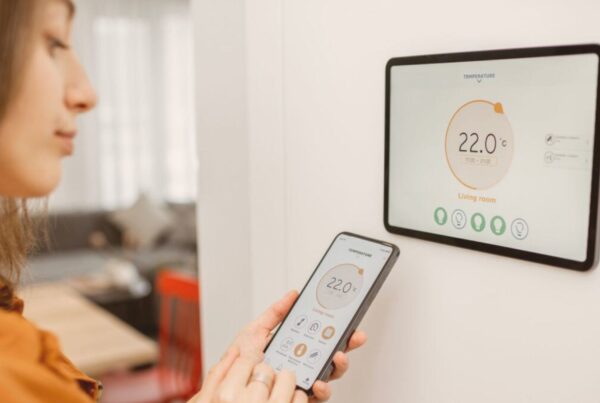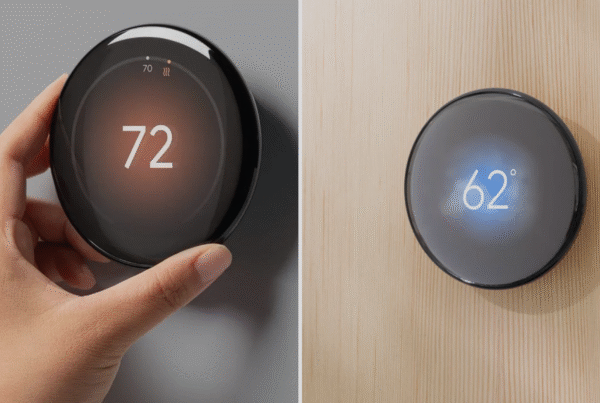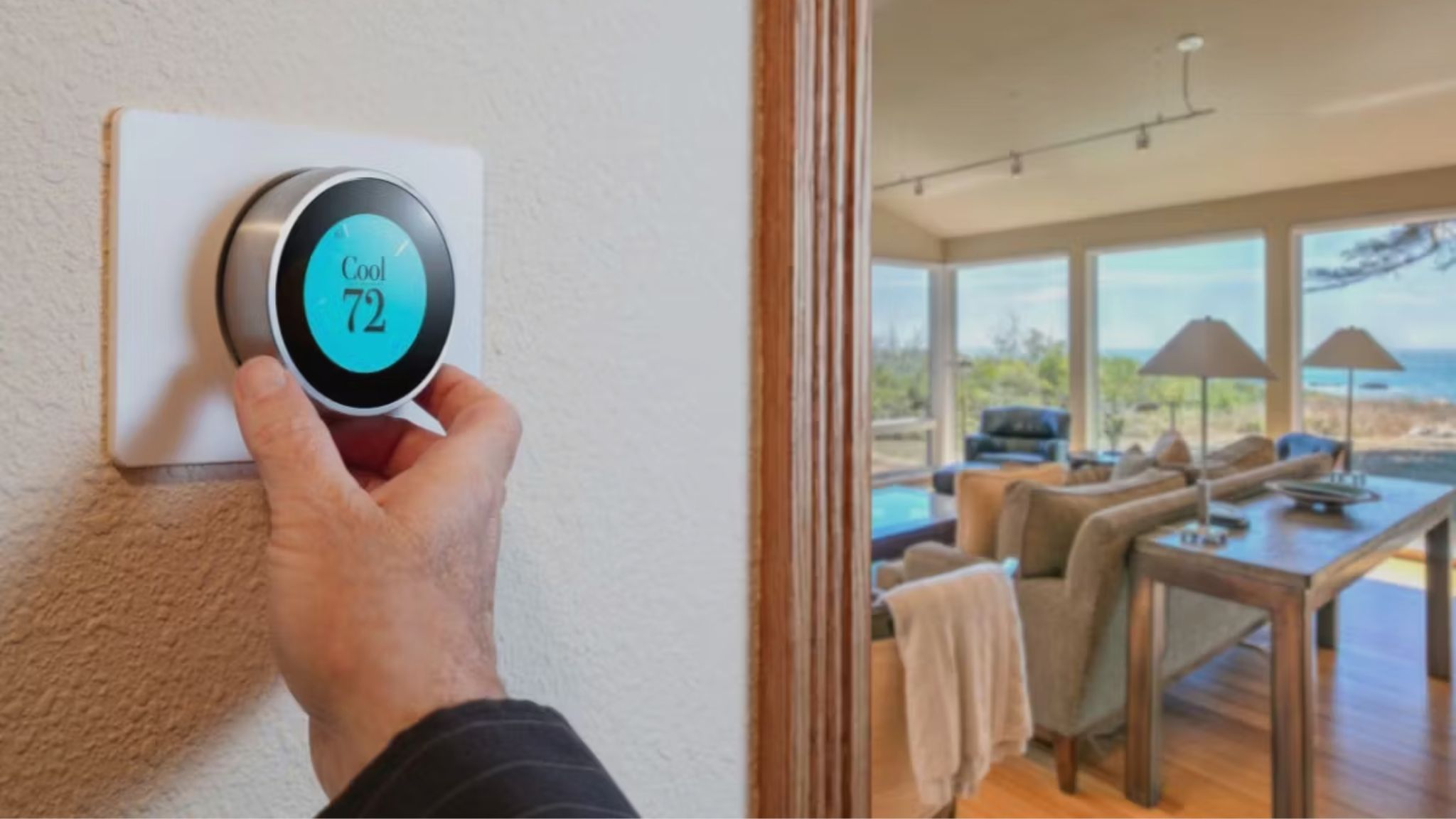
Most smart thermostats, including the Google Nest Learning Thermostat and the Ecobee3 Lite, are designed for 24V wired HVAC systems. That is standard in North America and parts of Europe. But in the UAE, the majority of residential AC systems are split units, fan coil units connected to chilled water loops, or VRF systems. These systems do not use 24V wiring. They use their own proprietary control boards and communication protocols.
This creates a compatibility gap. You buy a Nest thermostat expecting to control your AC from your phone, only to discover it cannot physically connect to your split AC’s indoor unit. DropAir adapters exist specifically to close that gap. They sit between your smart thermostat and your AC’s control board, translating the 24V signals from the thermostat into commands your AC system understands.
This guide covers exactly how DropAir adapters work, which models are available in the UAE, what AC systems they support, and how the installation process works from start to finish.
Why Most Smart Thermostats Do Not Work with UAE AC Systems
To understand why you need an adapter, it helps to understand how smart thermostats actually communicate with air conditioning systems.
A Google Nest or Ecobee thermostat connects to your HVAC system through a set of low-voltage wires (typically 24V AC). These wires carry simple on/off signals: one wire tells the system to turn on cooling, another tells it to run the fan, another controls heating, and so on. This wiring standard has been used in American and European central HVAC systems for decades.
In the UAE, the picture is different. Here is what you will typically find in residential properties:
- Split AC systems (wall-mounted indoor units with outdoor compressors) are the most common in apartments and smaller villas. These systems use proprietary communication between the indoor and outdoor units, often through 3-wire or 4-wire connections that are not compatible with 24V thermostat wiring.
- Fan coil units (FCUs) are found in many newer apartment towers, especially those connected to district cooling from Empower or Tabreed. FCUs typically use a 2-pipe or 4-pipe valve system controlled by a basic thermostat or building management system. Some FCUs use 24V wiring and can connect to smart thermostats directly, but many use 220V controls that require an adapter.
- Ducted split systems are common in larger villas. These sit in the ceiling void and distribute cool air through ducts. Some ducted systems use 24V wiring (particularly American brands like Carrier and Trane), but many Japanese and Chinese brands use proprietary controls.
- VRF/VRV systems (Variable Refrigerant Flow) are used in premium villas and commercial properties. These systems use digital communication protocols between indoor and outdoor units and cannot connect to standard thermostats without specialized adapters.
If your AC system does not use standard 24V wiring, plugging a Nest thermostat into the wall will either not work at all or, worse, could damage your AC’s control board. This is where DropAir adapters come in.
What Is a DropAir Adapter and How Does It Work
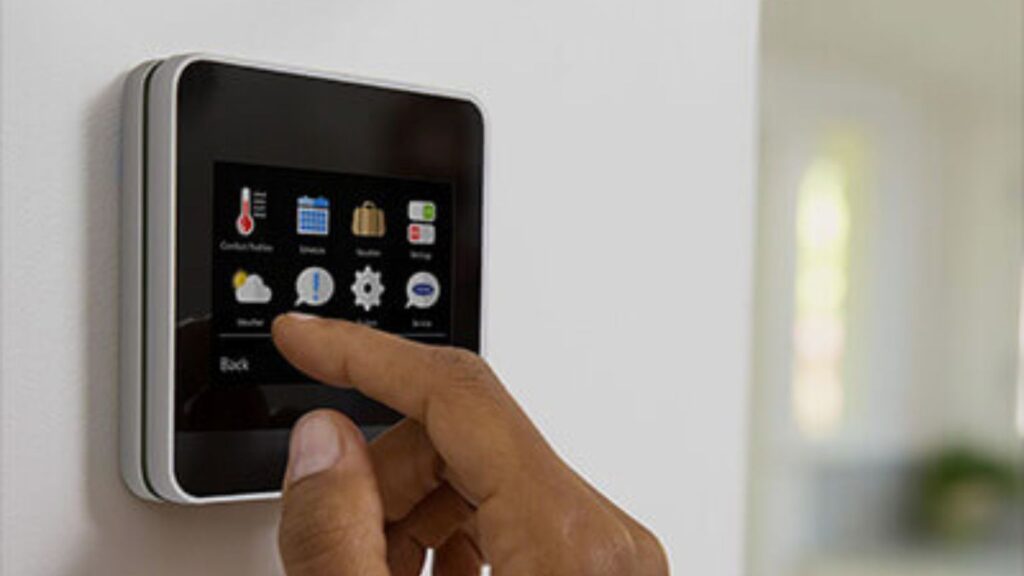
A DropAir adapter is a hardware bridge that connects between a smart thermostat (like Google Nest or Ecobee) and a non-compatible AC system. It is installed inside the AC’s indoor unit or in the electrical junction box behind the thermostat, depending on the model.
Here is how it works in practice:
- The smart thermostat sends a 24V signal through its standard wiring when it wants to turn on cooling, adjust the fan speed, or switch to a different mode.
- The DropAir adapter receives that signal and converts it into the specific command format your AC system expects. For a split AC, this might mean sending an IR (infrared) command to the indoor unit. For a fan coil unit, it might mean switching a valve relay.
- Your AC system responds as if it received a command from its original remote control or wall controller.
The result: you control your AC through the Nest or Ecobee app, set schedules, use voice commands through Google Home or Alexa, and get energy usage reports, all on an AC system that was never designed to work with smart thermostats.
The adapter handles the translation layer entirely. Your smart thermostat thinks it is connected to a standard HVAC system, and your AC thinks it is receiving commands from its normal controller.
DropAir iPanel vs DropAir Mini 6s
DropAir manufactures two adapter models that we supply and install across the UAE. Each is designed for different AC system types and installation scenarios.
DropAir iPanel
The DropAir iPanel is the full-featured adapter built for fan coil units, ducted systems, and central AC setups. It installs inside the AC’s indoor unit or electrical box and provides a complete 24V terminal block that mimics a standard HVAC system. This means any 24V smart thermostat (Nest, Ecobee, Honeywell) can connect to it with normal thermostat wiring.
The iPanel supports:
- 2-pipe and 4-pipe fan coil units (common in UAE apartment towers with district cooling)
- Ducted split systems from most major brands
- On/off valve control and modulating valve control
- Multi-speed fan control (low, medium, high, auto)
If your home has a ducted AC system or fan coil units connected to district cooling, the iPanel is typically the right choice.
DropAir Mini 6s
The DropAir Mini 6s is a compact adapter designed for wall-mounted split AC systems. It is smaller, less expensive, and specifically engineered for the most common AC type found in UAE apartments and villas.
The Mini 6s connects to the split AC’s indoor unit and creates a 24V interface for smart thermostat connection. It supports basic cooling control (on/off, temperature setpoint, and fan speed) for most split AC brands sold in the UAE, including Daikin, Mitsubishi, LG, Samsung, Gree, and Midea.
For homeowners looking for the most affordable smart thermostat setup in the UAE, the DropAir Mini 6s paired with a standard Nest Thermostat is one of the lowest-cost combinations available.
| Feature | DropAir iPanel | DropAir Mini 6s |
|---|---|---|
| Best For | Fan coil units, ducted systems, central AC | Wall-mounted split AC systems |
| AC Types Supported | FCU (2-pipe/4-pipe), ducted splits, central | Wall-mounted split AC |
| Installation Location | Inside AC indoor unit or junction box | Behind thermostat or inside split unit |
| Smart Thermostat Compatibility | Any 24V thermostat (Nest, Ecobee, Honeywell) | Any 24V thermostat (Nest, Ecobee, Honeywell) |
| Fan Speed Control | Low, Medium, High, Auto | Basic fan speed control |
| Valve Control | On/off and modulating | Not applicable (compressor-based) |
| Price | Higher (more complex hardware) | Lower (compact design) |
Which AC Systems Are Compatible
DropAir adapters cover the majority of AC system types installed across UAE residential and commercial properties. Here is a breakdown by system type:
Split AC systems (wall-mounted): Supported through the DropAir Mini 6s. Compatible with most major brands including Daikin, Mitsubishi Electric, Mitsubishi Heavy Industries, LG, Samsung, Carrier, Gree, Midea, Haier, and O General. The adapter communicates with the indoor unit’s control board, so the specific outdoor unit brand does not matter as long as the indoor unit uses a standard control interface.
Fan coil units (district cooling): Supported through the DropAir iPanel. This is particularly relevant for residents of communities served by Empower in Dubai (including Dubai Marina, JBR, Downtown Dubai, and Palm Jumeirah) or Tabreed in Abu Dhabi. The iPanel connects to the FCU’s valve and fan motor, replacing the basic wall thermostat with a smart one.
Ducted split systems: Supported through the DropAir iPanel for systems that use proprietary controls. If your ducted system already uses 24V wiring (common with American brands like Carrier, Trane, and Lennox), you may not need an adapter at all. A smart thermostat can connect directly. Our technicians confirm this during the pre-installation assessment.
VRF/VRV systems: Limited support. VRF systems from Daikin, Mitsubishi, and others use complex digital communication protocols. DropAir adapters can work with some VRF setups, but compatibility must be verified on a case-by-case basis. Contact our team on WhatsApp with your system details and we will confirm whether a DropAir adapter will work with your specific VRF configuration.
For a broader look at how traditional thermostats compare with smart AC remotes and IR blasters, read our thermostat vs AC remote comparison.
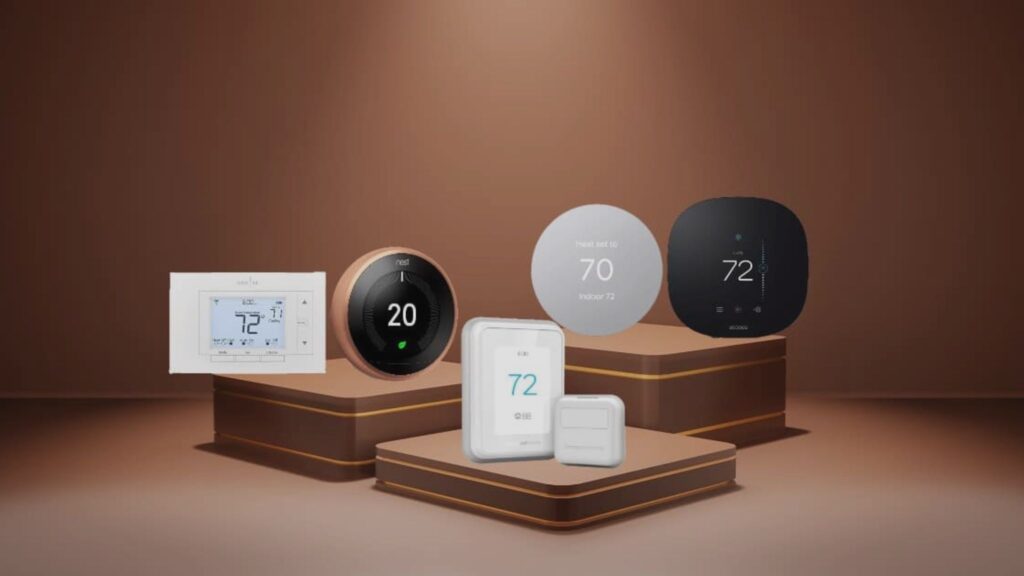
Which Smart Thermostats Work with DropAir
Because DropAir adapters create a standard 24V terminal interface, they are compatible with virtually any smart thermostat that uses conventional HVAC wiring. Here are the three brands we supply and install most frequently in the UAE:
Google Nest Thermostats
The entire Nest lineup works with DropAir adapters. The Nest Thermostat is the most popular pairing for budget-conscious homeowners who want app control, energy reports, and home/away detection. The Nest Learning Thermostat adds automatic schedule learning, which is valuable if your daily routine varies. For a detailed comparison of every Nest model, read our Nest Learning Thermostat vs Nest Thermostat guide.
Ecobee Smart Thermostats
The Ecobee3 Lite works well with DropAir adapters and is a strong option for homeowners who prefer a touchscreen interface and built-in voice control through Amazon Alexa. Ecobee also offers remote room sensors (similar to Nest Temperature Sensors) for multi-room temperature balancing. Our Nest vs Ecobee comparison breaks down the differences if you are deciding between the two brands.
Honeywell Home Thermostats
Honeywell’s T-series smart thermostats are also compatible with DropAir adapters. Honeywell has a long history in HVAC controls and their thermostats are known for broad system compatibility and reliability. Read our Honeywell thermostat guide for a closer look at available models.
Not sure which smart thermostat is right for your home? Our best thermostat brand guide for UAE compares all the options side by side.
How Installation Works in the UAE
Installing a DropAir adapter is not a DIY job for most homeowners. It involves working inside your AC unit’s electrical panel and connecting wires to the control board. Incorrect wiring can damage your AC system or the adapter itself. Here is how the installation process works when you book through thermostat.ae’s installation service:
Step 1: Compatibility assessment. Send a photo of your current thermostat (front and wiring behind it) to our team on WhatsApp at +971 50 633 7803. We also ask for your AC brand, model, and system type (split, ducted, FCU). Within a few minutes, we confirm whether a DropAir adapter will work and recommend which model you need.
Step 2: Scheduling. Once compatibility is confirmed, you pick a date and time for installation. We offer same-day service in Dubai and next-day service across Abu Dhabi, Sharjah, and all other Emirates.
Step 3: On-site installation. Our technician arrives with the DropAir adapter and smart thermostat (if purchased together). The typical process involves:
- Turning off power to the AC unit at the breaker
- Opening the indoor unit’s panel to access the control board
- Connecting the DropAir adapter to the control board using the appropriate wiring harness
- Running thermostat wire from the adapter location to where the smart thermostat will be wall-mounted
- Mounting the smart thermostat on the wall and connecting it to the adapter’s 24V terminals
- Powering the system back on and testing all modes (cooling, fan speeds, auto mode)
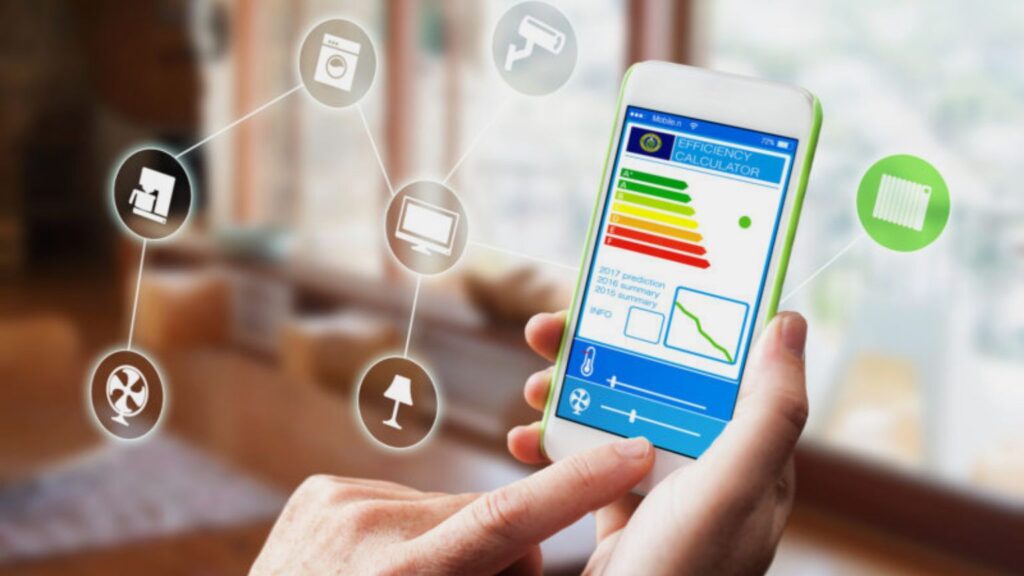
Step 4: Configuration. After the hardware is connected, the technician configures your smart thermostat through the Google Home or Ecobee app. This includes connecting it to your Wi-Fi, setting your schedule, enabling home/away detection, and testing voice control if you use Google Home or Alexa speakers.
The full installation typically takes 60 to 90 minutes per AC unit. If you have multiple split ACs (common in UAE villas), each unit needs its own adapter and thermostat, so the total installation time scales accordingly.
Cost of a DropAir Adapter Setup in the UAE
The total cost of converting your AC to work with a smart thermostat depends on three components: the adapter, the thermostat, and the installation labor.
The DropAir Mini 6s is the more affordable option, making it popular for apartment owners with split ACs who want smart control without a large upfront investment. The DropAir iPanel costs more because it handles more complex AC configurations (fan coil units, ducted systems, valve controls).
The smart thermostat itself ranges from budget (Nest Thermostat) to premium (Nest Learning Thermostat 4th Gen or Ecobee Premium). Installation labor varies by complexity and location.
For exact pricing on all adapters and thermostats, browse our full product range. For a detailed breakdown of installation fees by service tier, check our smart thermostat installation cost guide for UAE.
DropAir vs Other Smart AC Controllers
DropAir adapters are not the only way to add smart control to a non-compatible AC system. There are also standalone smart AC controllers (like Sensibo, Cielo Breez, and Tado) that use infrared signals to control split ACs. These devices sit near your AC, point an IR blaster at the indoor unit, and send commands as if they were a remote control.
The key difference is how deeply they integrate with your AC system:
- IR blasters (Sensibo, Cielo, Tado) communicate with your AC through infrared signals, the same way your handheld remote does. They can turn the AC on/off, change temperature, and switch modes. However, they do not have direct electrical access to the AC’s control board. This means they cannot read the actual room temperature from the AC’s sensor, they rely on their own built-in sensor instead. They also cannot integrate with true HVAC thermostats like Nest or Ecobee.
- DropAir adapters connect electrically to the AC’s control board. This gives them direct control over the compressor, fan motor, and valve (where applicable). Because the smart thermostat connects through the adapter using standard HVAC wiring, you get the full feature set of the thermostat: learning schedules, temperature sensor support, detailed energy reports, and native integration with Google Home, Alexa, and Apple HomeKit.
For homeowners who just want basic on/off and temperature control from their phone, an IR blaster is a simpler option. But if you want the full smart thermostat experience, with automated scheduling, multi-room sensors, energy optimization, and deeper integration with your smart home ecosystem, a DropAir adapter paired with a Nest or Ecobee thermostat is the stronger solution. Our thermostat vs AC remote comparison covers this topic in more depth.
Frequently Asked Questions
What is a DropAir adapter?
A DropAir adapter is a hardware device that connects between a smart thermostat and a non-compatible AC system. It converts the 24V signals from thermostats like Google Nest and Ecobee into commands that split AC units, fan coil units, and ducted systems can understand. It is installed inside the AC’s indoor unit or junction box by a qualified technician.
Can I use a Nest thermostat with my split AC in the UAE?
Not directly. Nest thermostats require 24V HVAC wiring, which most UAE split AC systems do not have. You need a DropAir Mini 6s adapter to bridge the connection between the Nest and your split AC’s control board. Once installed, the Nest thermostat controls your AC as if it were connected to a standard HVAC system.
Which DropAir adapter do I need for my AC system?
For wall-mounted split AC units, the DropAir Mini 6s is the right choice. For fan coil units (common in district cooling areas like Dubai Marina, JBR, and Downtown Dubai), ducted systems, and central AC setups, the DropAir iPanel is the correct adapter. Send a photo of your current AC setup on WhatsApp and our team will confirm which model you need.
How long does DropAir adapter installation take?
A single-unit installation typically takes 60 to 90 minutes. This includes mounting the adapter inside the AC unit, running thermostat wiring, wall-mounting the smart thermostat, and configuring the app. Homes with multiple AC units need separate adapters for each unit, so the total time scales with the number of systems.
Do I need a professional to install a DropAir adapter?
Yes. Installing a DropAir adapter involves accessing the AC unit’s control board and connecting wires to specific terminals. Incorrect wiring can damage your AC system. Our professional installation service includes the full setup, testing, and app configuration.
Will a DropAir adapter work with district cooling (Empower or Tabreed)?
Yes. The DropAir iPanel supports fan coil units connected to district cooling systems. It connects to the FCU’s valve and fan motor, replacing the basic wall thermostat with a smart thermostat like Nest or Ecobee. This is common in communities served by Empower in Dubai and Tabreed in Abu Dhabi.
Can I install DropAir adapters on multiple AC units in my home?
Yes. Each AC unit needs its own DropAir adapter and smart thermostat. In a villa with four split ACs, for example, you would need four Mini 6s adapters and four smart thermostats. All of them can be controlled through a single Google Home or Ecobee app, giving you centralized control over every room.
What brands of split AC are compatible with DropAir?
The DropAir Mini 6s works with most major split AC brands sold in the UAE, including Daikin, Mitsubishi, LG, Samsung, Carrier, Gree, Midea, Haier, and O General. If your brand is not listed, send us your AC model number on WhatsApp and we will check compatibility.
Ready to make your AC smart? Browse the DropAir iPanel and DropAir Mini 6s in our shop, or message us on WhatsApp at +971 50 633 7803 with a photo of your AC system for a free compatibility check. We supply, install, and configure everything across Dubai, Abu Dhabi, Sharjah, and every other emirate in the UAE.
You can also call us directly at +971 50 633 7803 or visit our contact page to get started.