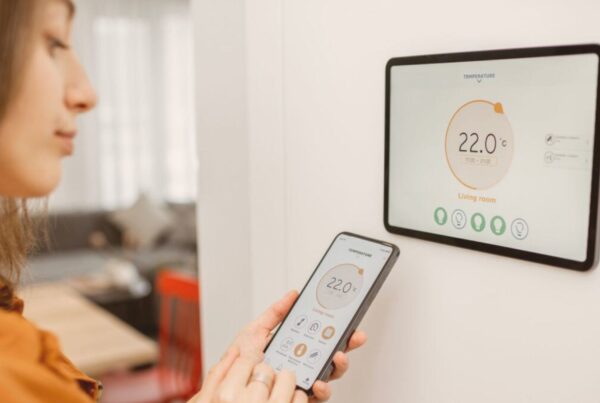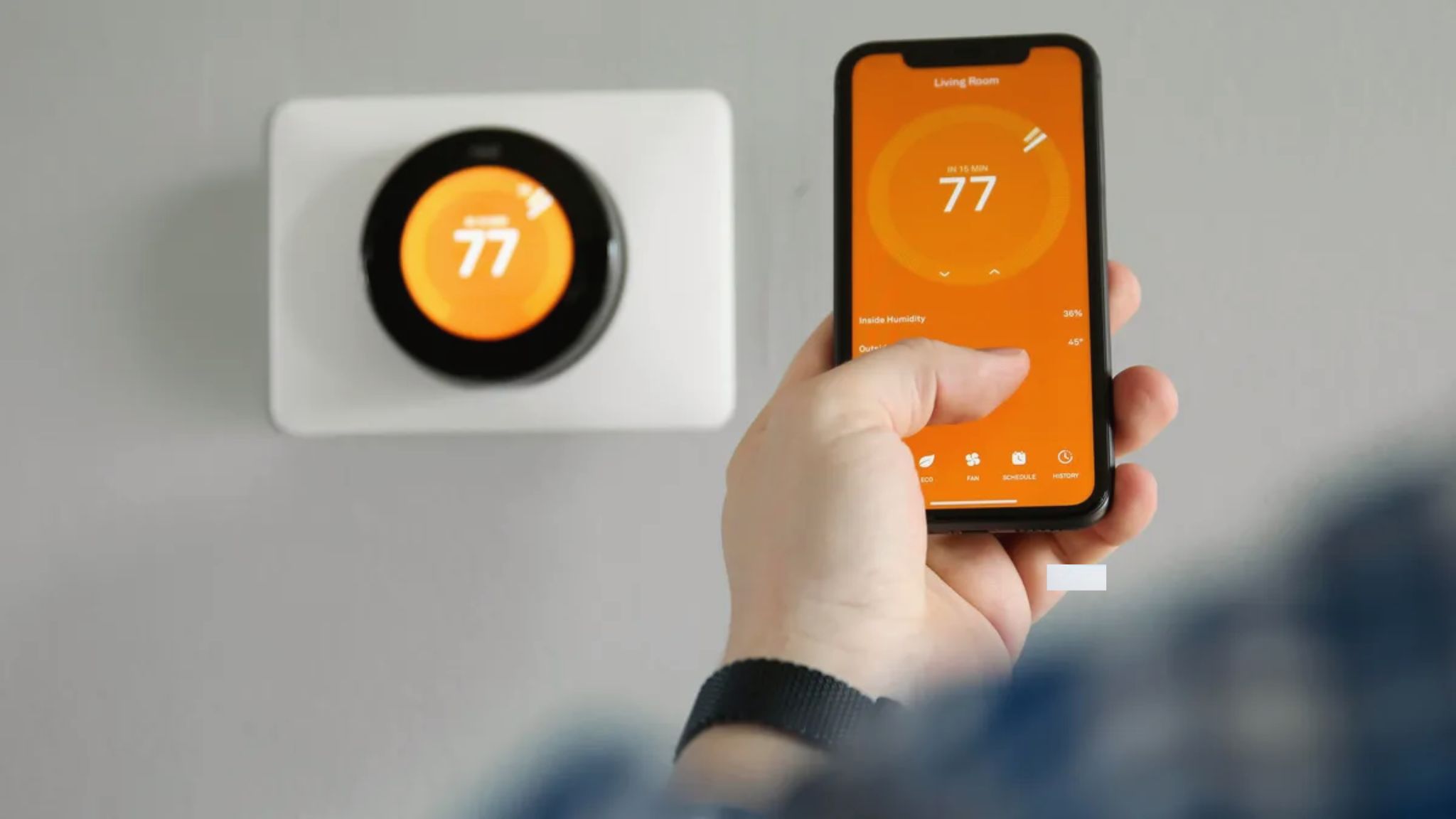
A Wi-Fi thermostat connects to your home’s wireless network and communicates with a cloud server run by the thermostat manufacturer (Google’s servers for Nest, Ecobee’s servers for Ecobee). When you open the app on your phone and change the temperature, the command travels from your phone to the cloud server over the internet, then from the cloud server to the thermostat over your home Wi-Fi. The thermostat receives the command and sends an electrical signal through its wiring to turn your AC on, off, or adjust the fan speed.
This entire process takes one to three seconds on a typical UAE home internet connection. The cloud server is what makes remote control possible. You can change your thermostat’s temperature from your office in Business Bay, from a hotel in London, or from anywhere with an internet connection, because the command does not go directly to the thermostat. It goes through the cloud, which the thermostat checks continuously as long as it has Wi-Fi.
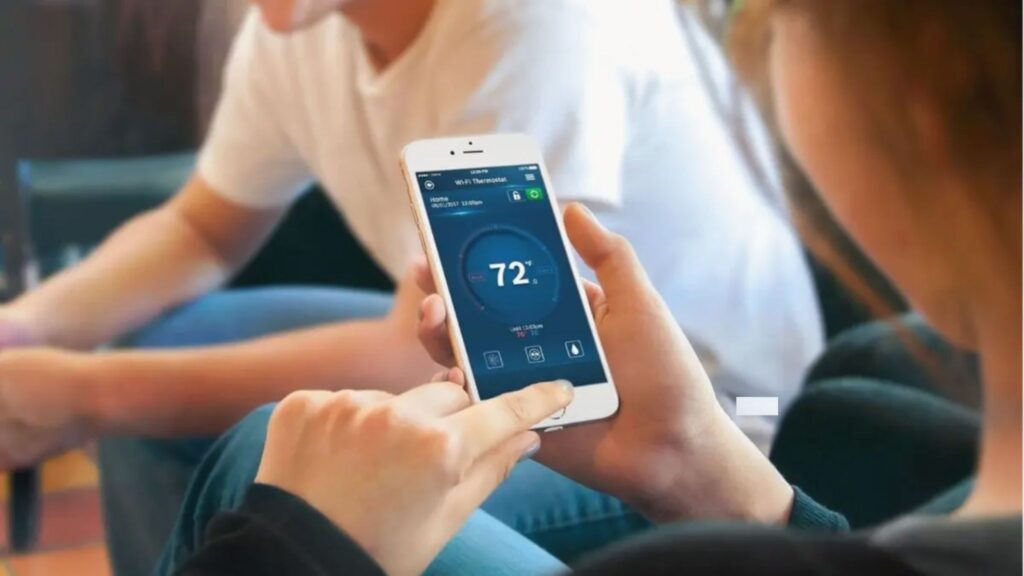
The Signal Path: From Your Phone to Your Compressor
When you tap “23 degrees” in the Google Home or Ecobee app, here is the exact sequence of events that makes your AC respond:
Step 1: Your phone sends the command (“set temperature to 23 degrees”) to the manufacturer’s cloud server over your mobile data or Wi-Fi connection. For Nest thermostats, this goes to Google’s servers. For Ecobee, it goes to Ecobee’s servers.
Step 2: The cloud server receives the command and pushes it to your thermostat. The server knows which thermostat to send it to because the thermostat was registered to your account during initial setup. The server maintains a persistent connection with every thermostat linked to your account.
Step 3: Your thermostat receives the command through your home Wi-Fi router. The thermostat’s Wi-Fi radio is always listening for incoming messages from the cloud server, even when the display is off.
Step 4: The thermostat compares the new setpoint (23 degrees) with the current room temperature reading from its built-in sensor. If the room is warmer than 23 degrees, the thermostat closes an electrical relay on its Y terminal (the cooling wire), which sends a 24V signal through the thermostat wiring to the AC system’s control board.
Step 5: The AC control board receives the 24V signal and starts the compressor and fan. Cooling begins. When the room temperature drops to 23 degrees, the thermostat opens the relay, cutting the signal, and the AC stops.
This cycle continues as long as the setpoint remains at 23 degrees. Every time the room warms above the target, the thermostat closes the relay again. Every time it reaches the target, the relay opens.
How the Thermostat Connects to Your Home Wi-Fi
During initial setup, you connect the thermostat to your home Wi-Fi network through the thermostat’s own interface (touchscreen on Ecobee, or the Google Home app for Nest). You select your network name (SSID) and enter the password. The thermostat stores this information in its non-volatile memory, meaning it remembers the credentials even after a power outage.
Once connected, the thermostat maintains a constant low-bandwidth connection to the cloud server. This connection uses very little data, typically 50 to 200 megabytes per month, which is insignificant on any UAE home internet plan. The connection carries temperature readings, schedule updates, energy reports, firmware update downloads, and incoming commands from your app or voice assistant.
The thermostat has its own MAC address (a unique hardware identifier) and receives its own IP address from your router, just like a laptop or phone connected to the same network. You can see it listed in your router’s connected devices page. If you ever need to troubleshoot connectivity, knowing the thermostat’s IP address helps you verify whether it is actually connected to the network.
What Happens When Wi-Fi Drops
If your Wi-Fi goes down (router reboot, internet outage, or the thermostat loses signal), the thermostat does not stop working. It continues running your AC based on the last schedule stored in its local memory. The temperature sensor keeps reading, the relay keeps switching, and your AC keeps cooling. You simply lose the ability to control it remotely or receive updates on your phone until the Wi-Fi connection is restored.
When the connection is restored, the thermostat reconnects to the cloud server automatically. Any commands you tried to send during the outage will not be queued. You need to resend them once the thermostat is back online. The thermostat’s status in the app will show “offline” during the outage, and switch back to “online” once connectivity is restored.
This is an important point: a Wi-Fi thermostat is not dependent on Wi-Fi for basic temperature control. Wi-Fi adds remote access, voice control, and cloud-based features. But the fundamental job of measuring temperature and switching the AC on and off happens locally on the thermostat, with or without an internet connection.
How Scheduling Works Without Constant Internet
Schedules are stored locally on the thermostat, not on the cloud server. When you create a schedule in the Google Home or Ecobee app, the app sends the schedule data to the thermostat, which saves it in its own memory. From that point on, the thermostat executes the schedule independently, using its internal clock.
This means your schedule runs even if your internet is down for days. The thermostat knows what time it is (its clock syncs with the internet when connected, but continues running on its own if disconnected) and follows the schedule exactly as programmed.
For Nest Learning Thermostats, the auto-learned schedule also runs locally. Once the thermostat has built a schedule from your habits, that schedule lives on the device. The learning algorithm processes data locally, not in the cloud. This is why the Nest Learning Thermostat continues to follow your routine even during internet outages.
The features that do require an active internet connection are: remote app control, voice commands through smart speakers, energy usage reports (which are calculated on the cloud and sent to your app), firmware updates, and home/away detection based on phone location (geofencing).
How the Thermostat Controls Your AC Through Wiring
The Wi-Fi and cloud connection handle the “smart” side of the thermostat. But the physical control of your AC system happens through wiring, the same way it has worked for decades.
A standard wired thermostat has 5 to 8 terminal connections on the back, each controlling a different function. The most common terminals in UAE installations are:
- R (Red): 24V power supply from the transformer. This is the power source for the thermostat circuit.
- Y (Yellow): Cooling. When the thermostat connects R to Y, the AC compressor starts.
- G (Green): Fan. When connected, the fan runs independently of the compressor (fan-only mode).
- W (White): Heating. Rarely used in UAE residential systems, but present in some installations.
- C (Blue): Common wire. Provides a return path for continuous 24V power to the thermostat. Essential for smart thermostats that need constant power for Wi-Fi.
When the thermostat decides the room needs cooling (either because you set a temperature through the app or because the schedule triggered a change), it closes an internal relay that connects the R wire to the Y wire. This completes the 24V circuit to the AC’s control board, which interprets it as a command to start cooling. When the room reaches the target temperature, the relay opens, breaking the circuit, and the AC stops.
For UAE homes with split ACs or fan coil units that do not use standard 24V wiring, a DropAir iPanel or DropAir Mini 6s adapter creates the 24V interface. The adapter connects to the AC’s proprietary control board on one side and presents standard thermostat terminals (R, Y, G, C) on the other. Our DropAir compatibility guide explains the full process.
For more on the power requirements of the thermostat itself, see our guide to how many amps a thermostat uses.
2.4GHz vs 5GHz: Which Network Does Your Thermostat Need
Most Wi-Fi thermostats, including all Nest and Ecobee models sold in the UAE, connect exclusively to 2.4GHz Wi-Fi networks. They do not support 5GHz connections.
This matters because many modern routers in the UAE (particularly the ones supplied by du and Etisalat with home internet packages) broadcast both 2.4GHz and 5GHz networks. Some routers use a single network name (SSID) for both frequencies and automatically steer devices to one or the other. If your router steers the thermostat to the 5GHz band, the thermostat will fail to connect.
How to fix this: Log into your router’s admin panel (usually at 192.168.1.1 or 192.168.0.1) and check whether the 2.4GHz and 5GHz networks have separate names. If they share a name, either separate them (give the 2.4GHz network its own SSID, like “HomeWiFi_2.4”) and connect the thermostat to that specific network, or temporarily disable band steering during thermostat setup. Once connected, the thermostat will stay on 2.4GHz even if band steering is re-enabled.
Why 2.4GHz specifically? The 2.4GHz band has longer range and better wall penetration than 5GHz. In UAE apartment towers with thick concrete walls between the router and the thermostat, 2.4GHz is far more reliable. The thermostat does not need the higher speeds of 5GHz (it transfers tiny amounts of data), so 2.4GHz is the technically correct choice for a device that prioritizes connection stability over speed.
Wi-Fi Thermostat vs Basic Thermostat: What the Connection Adds
A basic thermostat (no Wi-Fi) does one job: measure the room temperature and switch the AC on or off based on a setpoint. You walk to the wall, adjust the temperature manually, and walk away. It works. It has worked for decades. It requires zero internet.
A Wi-Fi thermostat does the same core job, but the internet connection adds these capabilities:
| Feature | Basic Thermostat | Wi-Fi Thermostat |
|---|---|---|
| Temperature control | Manual adjustment at the wall | App, voice, or manual at the wall |
| Remote access | No | Control from anywhere with internet |
| Scheduling | Basic programmable models only | Detailed schedules via app |
| Auto-learning | No | Nest Learning models only |
| Home/away detection | No | Via phone location or occupancy sensor |
| Energy reports | No | Monthly usage data in the app |
| Voice control | No | Google Home, Alexa, Siri |
| Firmware updates | No (static software) | Automatic over Wi-Fi |
| Room sensors | Not supported | Supported on Nest Learning and Ecobee |
| Smart home routines | No | Routines with lights, locks, speakers |
The practical difference for UAE homeowners: a basic thermostat keeps your room at a set temperature. A Wi-Fi thermostat does that plus prevents unnecessary cooling when nobody is home, adjusts automatically based on your routine, and gives you visibility into how much energy your cooling consumes. That visibility and automation is where the DEWA bill savings come from. Our DEWA savings guide breaks down the numbers.
For a comparison of Wi-Fi thermostats against IR-based smart AC controllers (Sensibo, Cielo), see our thermostat vs AC remote guide.
UAE Network Considerations
Several network characteristics specific to the UAE affect Wi-Fi thermostat performance:
Thick concrete walls in apartment towers. Many UAE high-rises are built with reinforced concrete walls and floors that significantly attenuate Wi-Fi signals. If your thermostat is more than two walls away from the router, it may struggle to maintain a stable connection. The solution is a Wi-Fi mesh system (like Google Nest WiFi, TP-Link Deco, or Eero) or a single extender placed between the router and the thermostat.
du and Etisalat router configurations. The routers provided by UAE internet providers sometimes have default settings that interfere with IoT devices. Common issues include band steering (directing the thermostat to 5GHz, which it does not support), MAC address filtering (blocking new devices by default), and AP isolation (preventing devices on the same network from communicating). If your thermostat will not connect during setup, check these settings in your router’s admin panel or call your ISP’s support line to disable them temporarily.
Internet reliability during summer peak. During July and August, UAE internet connections can experience brief slowdowns during evening peak hours when everyone is streaming and gaming. However, a thermostat uses so little bandwidth (under 1 kilobit per second for routine check-ins) that even a severely congested connection handles it without issue. If your thermostat goes offline, the cause is almost certainly a Wi-Fi signal issue, not an internet bandwidth problem.
VPN and smart DNS services. Some UAE residents use VPN services on their routers for streaming. If the VPN is configured at the router level, it routes all traffic through the VPN server, including the thermostat’s connection. This can cause the thermostat to appear as if it is in a different country, which may trigger security blocks on the manufacturer’s cloud server. If you use a router-level VPN, exclude IoT devices (including the thermostat) from the VPN tunnel. Most routers support split tunneling for this purpose.
If you are experiencing connectivity issues with an existing thermostat, our common thermostat issues guide covers Wi-Fi troubleshooting steps specific to UAE networks. For choosing between different smart thermostat models, see our smart thermostat buyer’s guide or our Nest vs Ecobee comparison.
Frequently Asked Questions
Does a Wi-Fi thermostat need internet to work?
No. A Wi-Fi thermostat controls your AC locally through wiring, regardless of internet connectivity. Wi-Fi adds remote app control, voice commands, energy reports, and firmware updates. If your internet goes down, the thermostat continues running your AC on its stored schedule. You simply lose remote access until the connection is restored.
How much internet data does a Wi-Fi thermostat use?
Very little. A typical Wi-Fi thermostat uses 50 to 200 megabytes per month for cloud communication, schedule syncing, energy reports, and occasional firmware updates. This is negligible on any UAE home internet plan. The thermostat does not stream video or transfer large files.
Why won’t my thermostat connect to my Wi-Fi?
The most common reason is that the thermostat is trying to connect to a 5GHz network. Most smart thermostats only support 2.4GHz Wi-Fi. Check your router settings and ensure a 2.4GHz network is available with a separate SSID. Other common causes include MAC address filtering, AP isolation, and the thermostat being too far from the router for a stable signal.
Can I control my thermostat from outside the UAE?
Yes. As long as the thermostat is connected to your home Wi-Fi and you have internet access on your phone, you can control the thermostat from anywhere in the world through the Google Home app (for Nest) or the Ecobee app. The command travels from your phone to the manufacturer’s cloud server, then to the thermostat.
Do Wi-Fi thermostats work with du and Etisalat routers?
Yes, but some default router settings may need adjustment. Band steering, MAC address filtering, and AP isolation can prevent the thermostat from connecting during initial setup. These settings can be changed in the router’s admin panel (usually at 192.168.1.1). Our technicians configure network settings as part of every professional installation.
What is the difference between a Wi-Fi thermostat and a smart thermostat?
A Wi-Fi thermostat connects to your network for app-based remote control. A ‘smart’ thermostat is a Wi-Fi thermostat with additional intelligence: schedule learning, occupancy detection, energy optimization, and integration with voice assistants and smart home routines. All smart thermostats are Wi-Fi thermostats, but not all Wi-Fi thermostats have smart features. The Nest Thermostat and Ecobee3 Lite are both smart Wi-Fi thermostats.
Does thermostat.ae handle Wi-Fi setup during installation?
Yes. Our technicians connect the thermostat to your home Wi-Fi, configure the app on your phone, set up voice control if you have Google Home or Alexa speakers, and verify the connection is stable before leaving. If your router needs settings adjusted for the thermostat to connect reliably, we handle that too. Message us on WhatsApp to book.
Need a Wi-Fi thermostat installed? We supply and install all major smart thermostat brands with full Wi-Fi configuration across Dubai, Abu Dhabi, Sharjah, and every other emirate. Message us on WhatsApp at +971 50 633 7803 or call +971 50 633 7803 to book.